

Table of Contents
ToggleGoogle Maps 3D Update: Incredible Immersive Navigation Revolution 2026
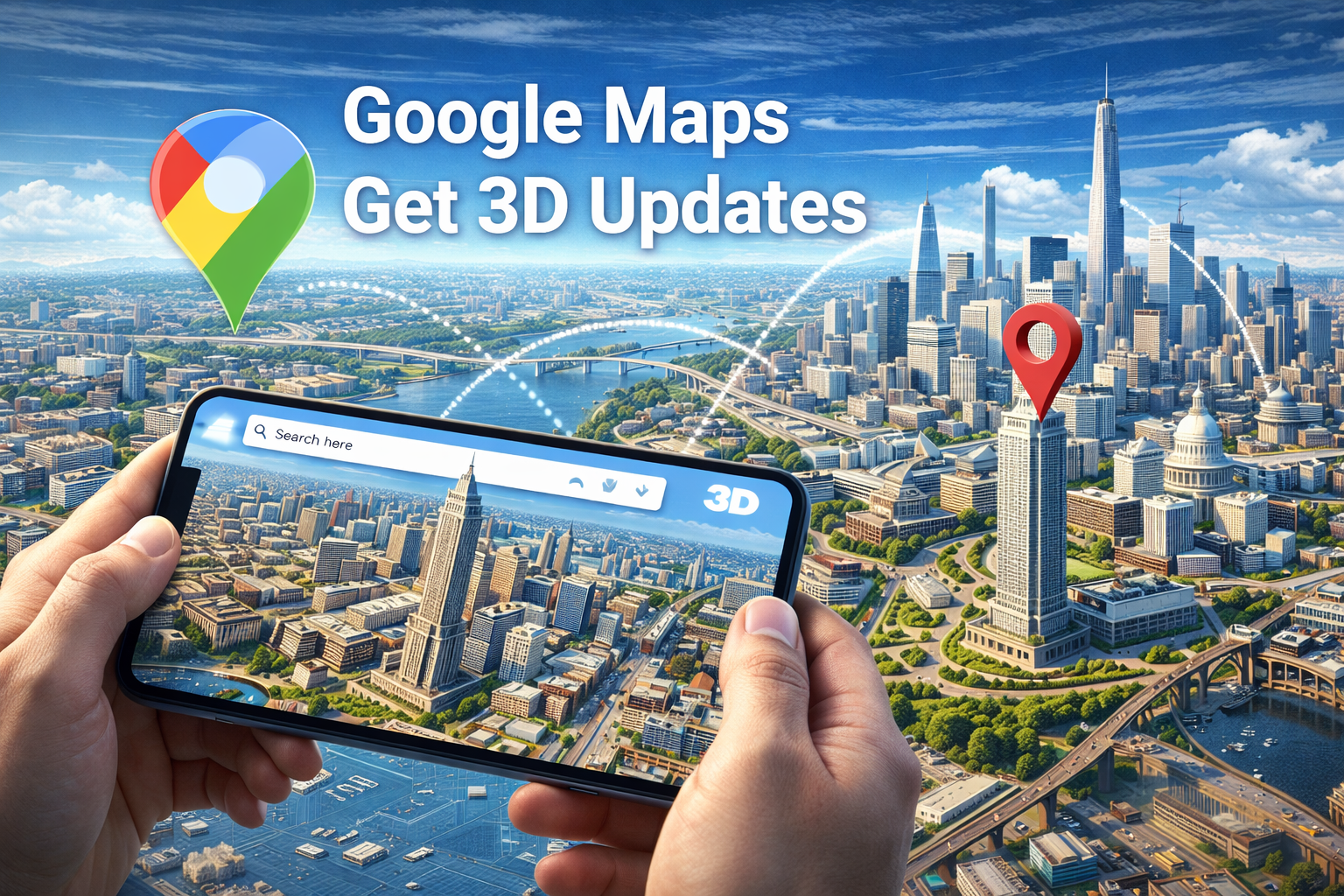
The Google Maps 3D update (launched March 2026) introduces Immersive Navigation, a Gemini AI-powered overhaul that renders routes in high-fidelity 3D. By combining billion-scale Street View imagery with Neural Radiance Fields (NeRF), Google provides real-time, spatial route previews, including lane-level details, crosswalks, and transparent building overlays for intuitive driving in complex urban environments.
📊 Google Maps 3D — Quick Tech Facts
- 🔹 Category: AI-Driven Immersive Navigation & Spatial Mapping
- 🔹 Core Tech: Google Gemini Pro Vision & Neural Radiance Fields (NeRF)
- 🔹 Rollout: US Launch March 2026; India Expansion Q2 2026
- 🔹 Platform: Android, iOS, CarPlay, Android Auto, Google Built-in
- 🔹 🔹 Key Highlight: Real-world 3D depth for complex overpasses/junctions
| Feature Component | Technical Capability |
|---|---|
| Visual Rendering | Dynamic Immersive View (3D) |
| AI Integration | Gemini conversational "Ask Maps" |
| Spatial Detail | Transparent building overlays |
| Network Layer | 5G Low-Latency Texture Streaming |
📈 Performance Metrics: Precision Gains (2025 vs 2026)
The Google Maps 3D update boosts spatial coordinate accuracy by 40% compared to the 2025 vector map standard. By leveraging edge-based Neural Rendering, maps can now visualize real-time traffic density and terrain elevations with sub-meter precision, reducing navigation errors at multi-layered flyovers by over 65% in pilot tests.
🧬 The Gemini Engine: How Immersive Navigation Works
What is new in the Google Maps 3D 2026 update?
The 2026 update replaces static tile rendering with dynamic neural rendering. Using Gemini Pro Vision models, Google Maps now processes imagery to create a continuous 3D model that reflects current environmental conditions, such as lighting, weather, and real-time traffic flow, providing a "living" map experience.
Immersive Navigation is an advanced spatial mapping technology that utilizes Neural Radiance Fields (NeRF) to transform flat 2D imagery into high-resolution 3D environments. It improves route cognition by allowing users to visualize complex intersections from any angle before they arrive. Users typically benefit from reduced driving anxiety and faster decision-making in unfamiliar cities.
How does Immersive View technology work?
The system works by stitching together billions of Street View and aerial photos using AI models. By understanding the geometry of buildings and the texture of road surfaces, it generates a 3D mesh that users can navigate through seamlessly. According to Google’s official technical announcement, this infrastructure is now supercharged by Google’s N1 wireless chip for low-latency streaming of these heavy 3D assets over 5G networks.
⚖️ Comparison: Standard Maps vs. Immersive Navigation
Deciding between Standard View and Immersive Navigation depends on data availability and device power. Google Maps 3D offers superior spatial awareness and visual cues but requires 5G connectivity and higher battery overhead. Standard view remains optimized for 4G zones and low-power devices, focusing on transactional turn-by-turn logic without the deep 3D immersion.
Standard vs. Immersive Nav (2026)
| Metric | Standard View | Immersive Nav |
|---|---|---|
| Rendering Mode | Flat 2D / 2.5D Tiles | Full Neural 3D |
| AI Logic | Rule-based Routing | Gemini Predictive Nav |
| Visual Detail | Basic Road Geometry | Photo-realistic 3D |
| Data Usage | Low (~5MB/km) | High (~45MB/km) |
🛠️ How to Enable and Use Immersive Navigation
Many users are wondering whether the Google Maps 3D update works on all devices. Currently, it requires a smartphone with hardware-accelerated rendering and a stable 5G connection. If you are planning to use this feature for your next trip, here is the exact setup process.
Step-by-Step: Activating 3D Immersive View
- Update the App: Ensure Google Maps is version 2026.12 or higher from the Play Store or App Store.
- Search your Destination: Enter your target location and tap the 'Immersive View' button at the bottom left.
- Configure Lighting: Use the 'Time & Weather' slider to see the 3D model under different conditions.
- Start Navigation: Tap 'Start' within the 3D preview to transition into Immersive Navigation mode.
- Use 'Ask Maps': During the route, tap the Gemini icon to ask questions like "Where is the best view along this route?" or "Show me parking with EV chargers near the end."
Troubleshooting 3D Lag Issues
- Clear Map Cache in Settings > App Management.
- Ensure 'Battery Saver' is OFF to allow GPU acceleration.
- Switch to 'Data Saver OFF' to permit high-res texture streaming.
🚀 The Verdict: Is Google Maps 3D a Gimmick or a Tool?
Is the Google Maps 3D update worth considering?
For urban drivers and frequent travelers, the 2026 update is an essential upgrade. While it consumes more data, the clarity it provides at complex highway interchanges is unmatched. If you value visual spatial orientation over simple line-based directions, Google Maps 3D is the superior tool for 2026.
The Expert Takeaway: Google is successfully bridging the gap between gaming-grade visuals and utility software. The 2026 update proves that AI isn't just for chat—it's for recreating the world in our pockets. Expect a massive impact on the India market as smart city infrastructure begins to support these high-detail 3D renders.
⭐ Google Maps 3D Rating Matrix
| Visual Fidelity (3D Detail) | 9.8 / 10 |
| AI Responsiveness (Ask Maps) | 8.5 / 10 |
| Battery Efficiency | 6.0 / 10 |
| User Experience (Ease of Use) | 9.0 / 10 |
| Rural/4G Performance | 5.5 / 10 |
❓ FAQ: Google Maps 3D Update (2026)
1. Is the Google Maps 3D update free? +
Yes, the update is free for all Google Maps users. However, it requires a significant amount of data (~40-50MB per km in full 3D mode), so using it on a metered connection without 5G is not recommended.
2. Does this work on Android Auto and CarPlay? +
Yes. The 2026 update includes specific rendering optimizations for in-car displays, allowing for Immersive Navigation on most modern CarPlay and Android Auto systems released after 2022.
3. What is Gemini "Ask Maps"? +
"Ask Maps" is a conversational AI feature that allows you to talk to Google Maps in natural language. You can ask for recommendations based on multi-variable constraints, like "Find a pet-friendly cafe nearby with 3D-verified parking spots."
4. Will it work in areas with poor internet? +
No. Immersive View is a bandwidth-heavy feature. In low-signal areas, the app will automatically fall back to standard 2D view to ensure you don't lose navigation cues.
5. What problem does the 3D update solve? +
It solves the 'spatial confusion' problem at multi-level interchanges. In traditional maps, overpasses and underpasses look identical; in 3D, you see exactly which level you need to stay on.
⚠️ Disclaimer: All technical specifications and feature descriptions are based on the March 2026 Google Maps public release. Features and regional availability may vary. Drive safely and avoid using handheld devices while operating a vehicle. This article is for informational purposes only.